Avoid screenshots when a media file is available
A screenshot captures the size, crop, interface overlays, and compression of your screen. Start with the Twitter image downloader instead. Paste the direct public post link and save the available image result without adding another screenshot-generation step.
“Original” has an important limit
The best available public media URL is not always the untouched file uploaded by the creator. X may resize, optimize, re-encode, or strip metadata before delivery. The downloader can preserve the file it receives, but it cannot reconstruct removed camera data or detail.
Check dimensions after saving
Open the file’s information panel in your operating system or editor and inspect pixel dimensions, not only its filename. A label such as “HD” or “4K” in a search query does not guarantee that the public post contains those dimensions. Avoid artificial upscaling unless your workflow explicitly needs it and you disclose the process.
Preserve the returned format
Keep JPG, PNG, or WebP unless a destination requires conversion. Renaming an extension does not convert the file. Repeated JPEG exports can reduce quality, while converting a photo to PNG can dramatically increase size without restoring lost detail. The media formats reference explains the tradeoffs.
Multi-image posts
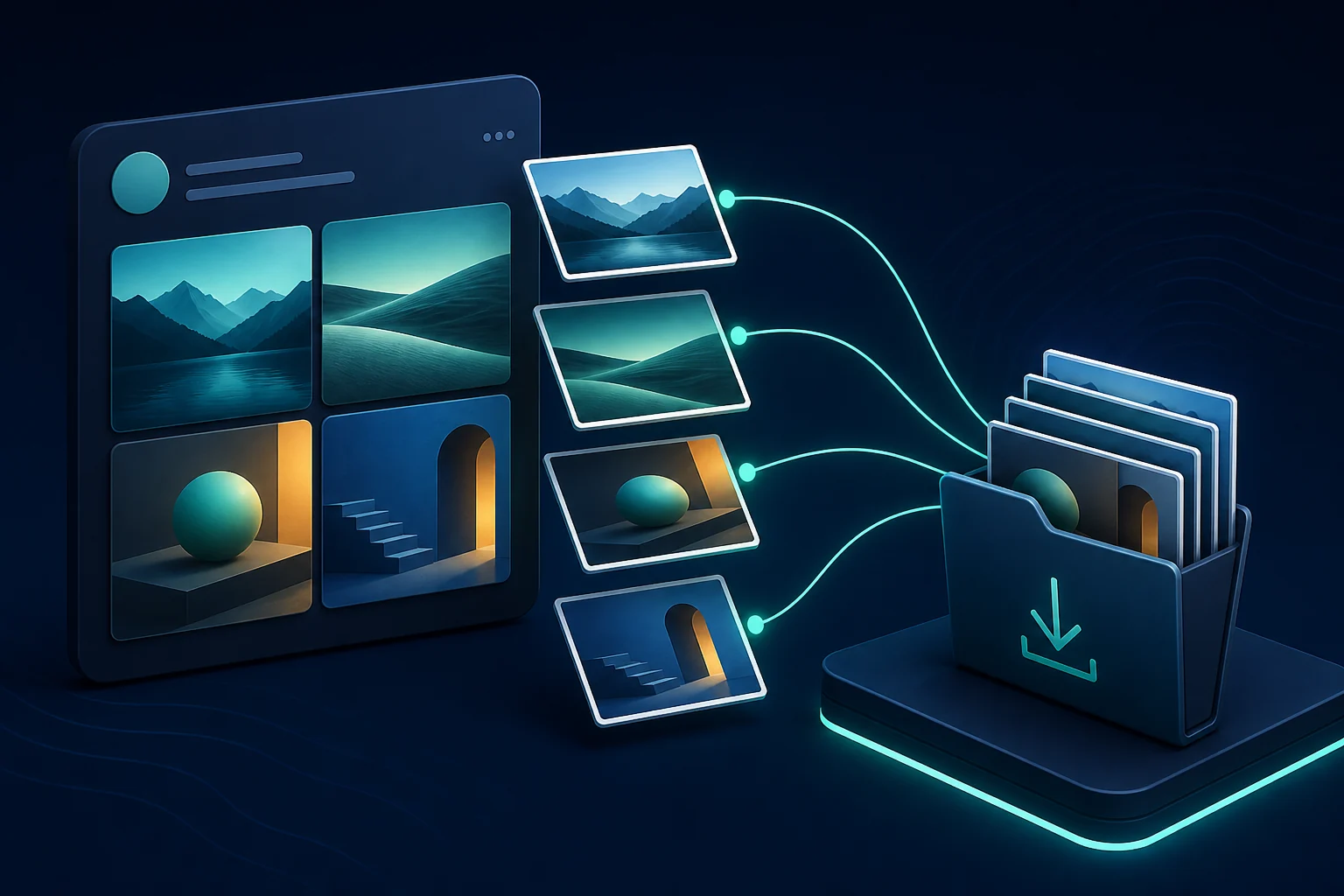
Each gallery attachment is a separate file. Confirm the number of results and save only what you need. Use the multiple-photo guide for ordering and filename checks.
Cards and quoted media
If the visible image belongs to a quoted post or website card, copy the link to the original source item. A direct post is more reliable and preserves context. The general image downloader guide covers these ownership boundaries.
Keep source and permission notes
For approved editorial or brand work, record the original post URL, owner, permission, and download date. A large file remains subject to the same copyright and privacy rules as a small preview.