
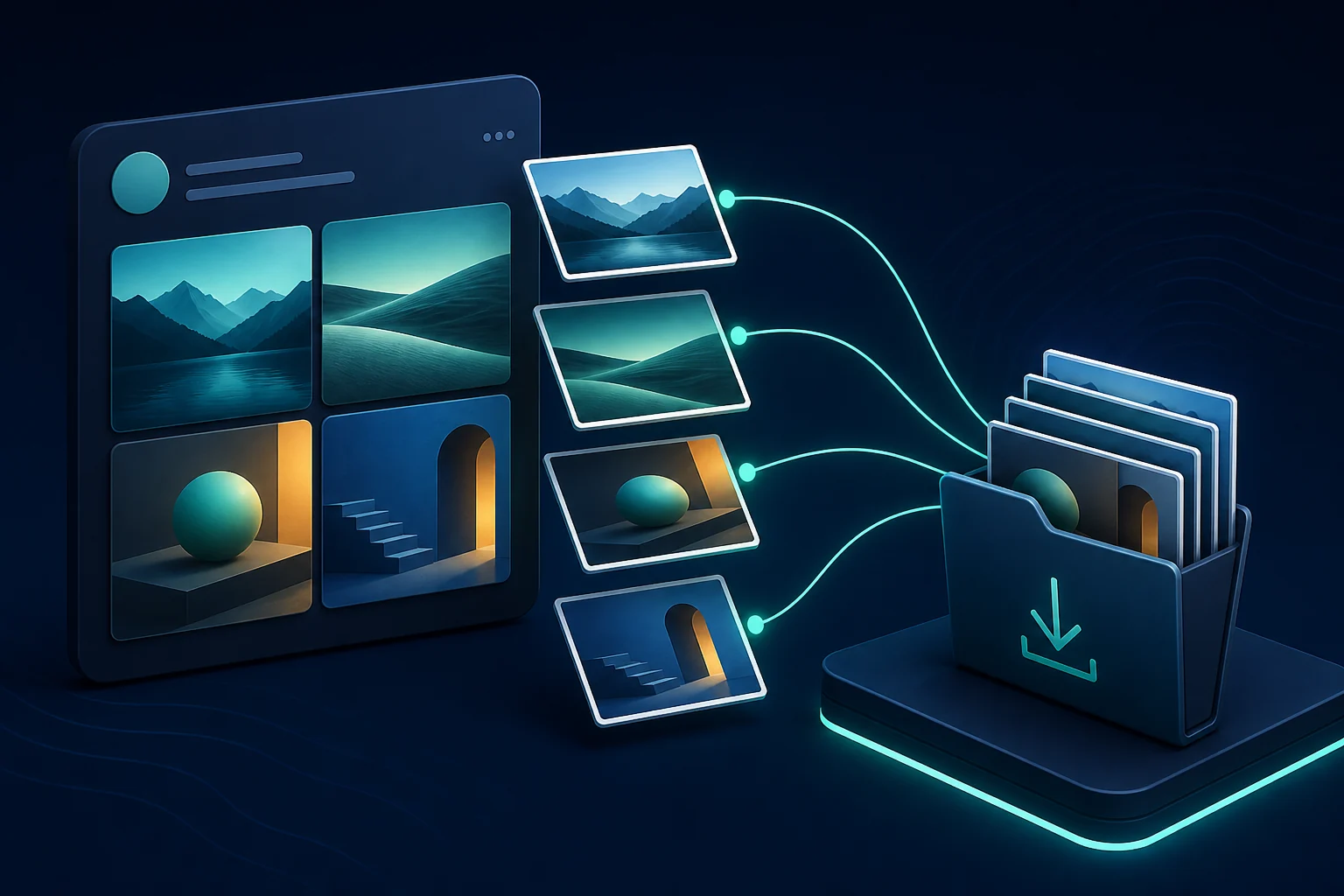
A gallery contains separate attachments
Twitter and X photo galleries are not delivered as one combined collage. Each native attachment should appear as its own media result. Copy the direct public gallery post and paste it into the image downloader.
Compare the post with the result list
Before downloading, count the visible attachments in the original post and compare them with the results. A quoted post, card preview, or external link image may not belong to the native gallery. Open the original source item if an expected image is missing.
Download one file at a time
Use the Download control on each required result. Browsers may assign CDN-style filenames that do not communicate gallery order. Preview each image before renaming, and include a sequence number only after you confirm the visible order.
Keep the best available files
The downloader avoids creating another compressed screenshot, but the platform may already have optimized the public image. Read the best-available-size guide before describing a file as the untouched original.
Find the images on your device
On iPhone, browser files normally appear in Files. On Android, check Downloads or Recent files. Desktop browsers use their configured Downloads location. Because gallery items can share a timestamp, sorting by newest can help group them.
If only one photo appears
Confirm that you copied the status containing the native gallery, not a repost or quote. Retry once if a public lookup service returned incomplete data. The link troubleshooting guide covers indirect and unsupported URLs, while the image guide explains cards and quoted media.
Use gallery content responsibly
The images may form a sequence or carry context in the post text. Preserve that context, obtain permission when required, and avoid presenting one frame as if it told the entire story.