
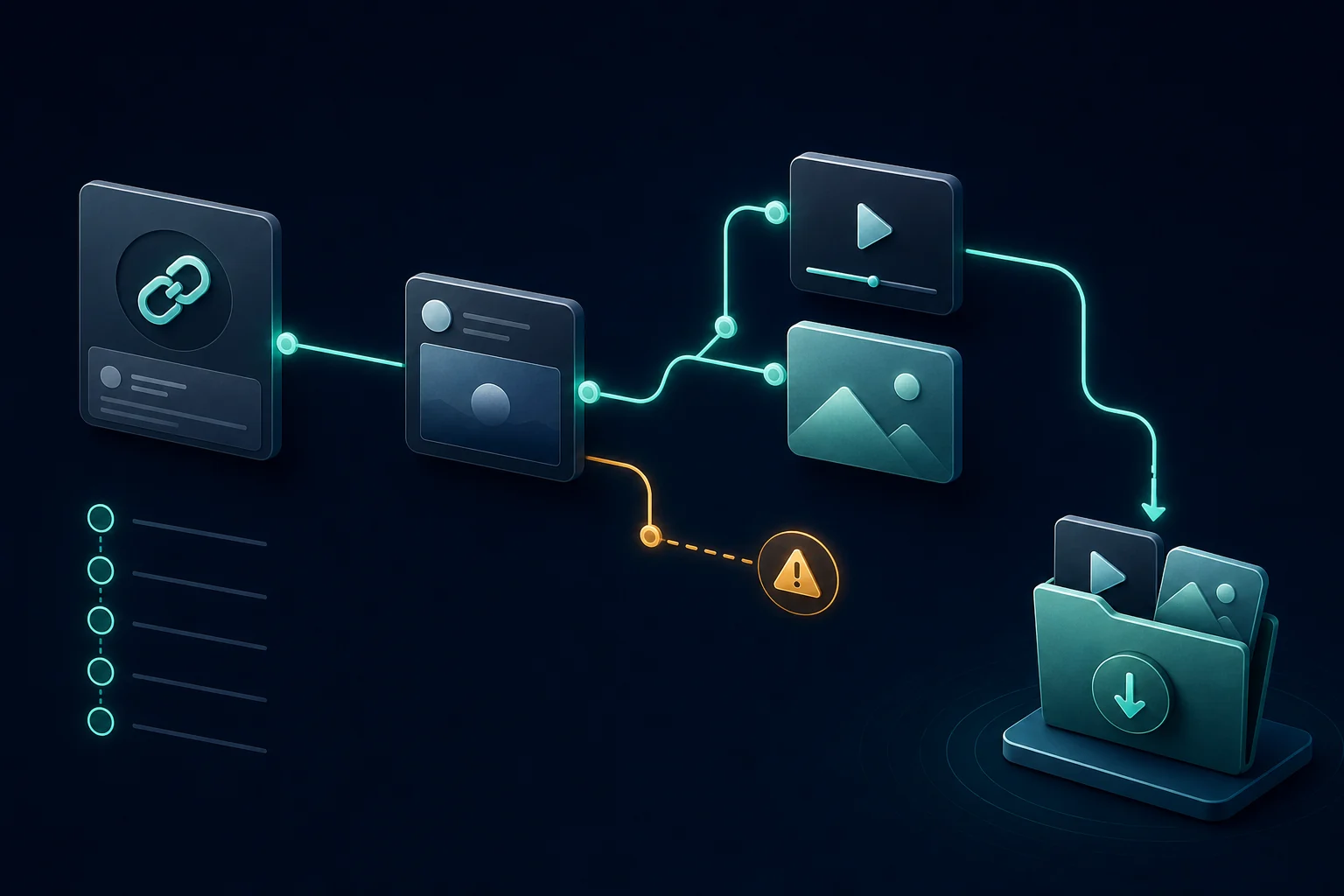
A supported URL points to a status
The most reliable input is an HTTPS link on a supported X, Twitter, FxTwitter, or VxTwitter hostname with /status/ and a numeric post ID. Profile pages, search results, trends, lists, bookmarks, and notification URLs do not identify one media post.
Copy the original media post
If you opened a quote, the visible media may belong to the quoted status. Open that original post and copy its URL. Website preview cards and external players may display an image or video without attaching it as native media to the X post.
Avoid assuming shortened links will expand
Short redirect URLs can hide the final destination and may be blocked by browser cross-origin rules. Open the short link first, confirm the destination is the expected public post, then copy the full status URL from the address bar.
Confirm public visibility
Open the link in a private window where you are logged out. Private, deleted, suspended, age-gated, and login-restricted posts cannot be resolved through a public downloader. The private-video article explains safe alternatives.
Separate invalid-link errors from no-media results
An invalid-link message means the hostname or status ID could not be parsed. A no-media result means the link parsed but the public lookup did not return a supported native attachment. This distinction tells you whether to recopy the URL or inspect the post itself.
Retry temporary service errors once
The browser contacts public third-party lookup services. A timeout, rate limit, or upstream error can be temporary. Retry once after a short pause and test the demo post. If the demo works, the original post may be restricted or unusual.
Use the full GIF troubleshooting guide for browser and file-saving problems, the image guide for galleries, or the video downloader for normal MP4 posts.